Wherever you write.
Messages, word processor, browser, notes: the text lands wherever your cursor blinks.
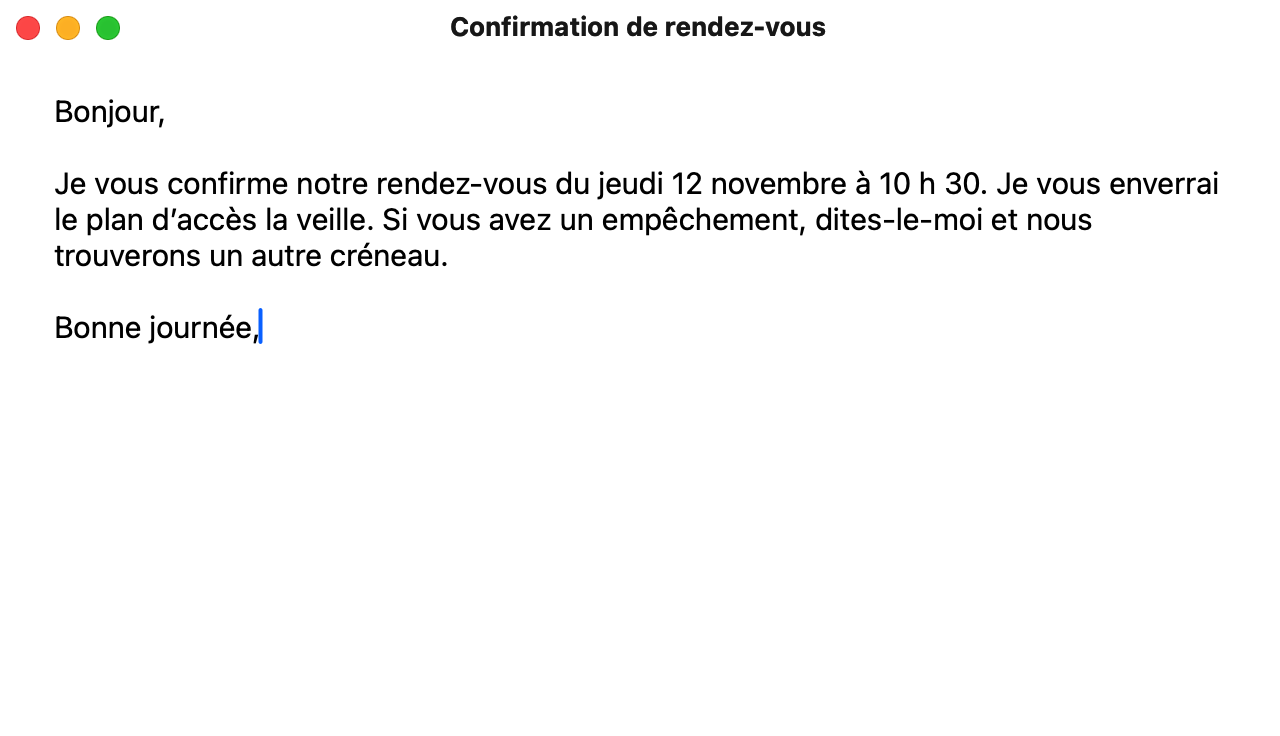
Dictation for Mac: hold fn, speak, and clean text appears wherever your cursor blinks, in every app.
Available on Mac. Coming soon to Windows, iPhone and Android.
For Macs with Apple silicon (M1 or later), running macOS 14 or later.
Dictilo removes the hesitations, adds punctuation, and writes the clean sentence.


Messages, word processor, browser, notes: the text lands wherever your cursor blinks.
In automatic mode, Dictilo recognises the language you are speaking.
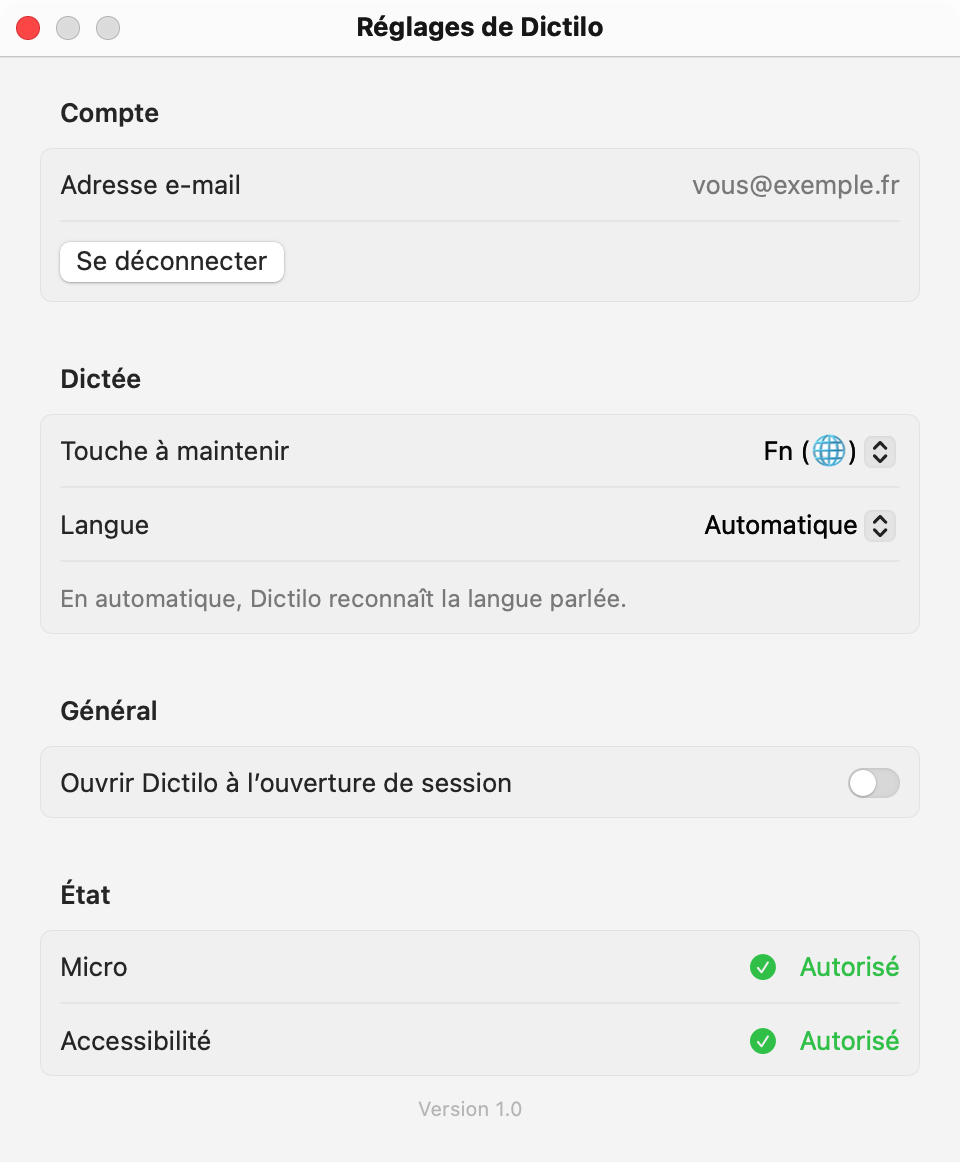
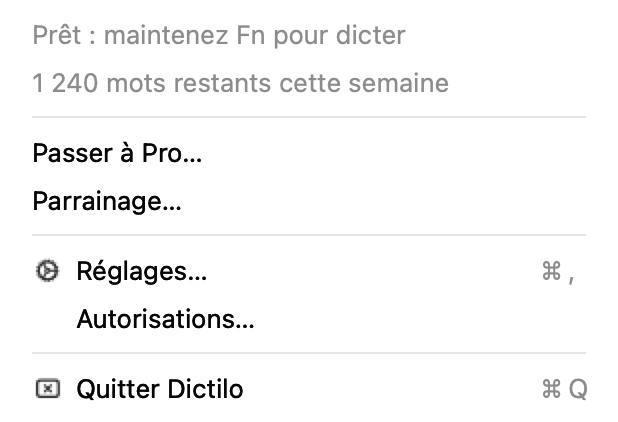
The Dictilo menu shows how many words you have left.

No separate window: the text is written straight into the open app.
€0
2,000 words a week, every feature. The counter resets every Monday.
€12 a month incl. VAT
or €120 a year incl. VAT. As many words as you like.
Anywhere you can type: messages, word processor, browser, notes. The text lands wherever your cursor blinks.
In automatic mode, Dictilo recognises the language you are speaking. You can also choose it in the settings.
Coming soon. Leave your email below: we will let you know as soon as Dictilo arrives on your device.
Macs with Apple silicon (M1 or later), running macOS 14 or later.
On the free plan, dictation stops until the following Monday. With Pro, there is no limit.
No. The 14 days of Pro are free when you create your account, no card needed.
The microphone, to hear you, and accessibility, to type into your apps. The Dictilo settings show the status of both.
Leave your name and email: we will let you know as soon as Dictilo arrives on your device.

How it works
The introduction video will appear here.
Download Dictilo and open it on your Mac.
Its icon sits in the menu bar.
Hold the fn key and speak, in any app.
The listening pill appears at the bottom of the screen.
Let go: the text appears where your cursor blinks.
It arrives clean and punctuated. You read it over, you send it.